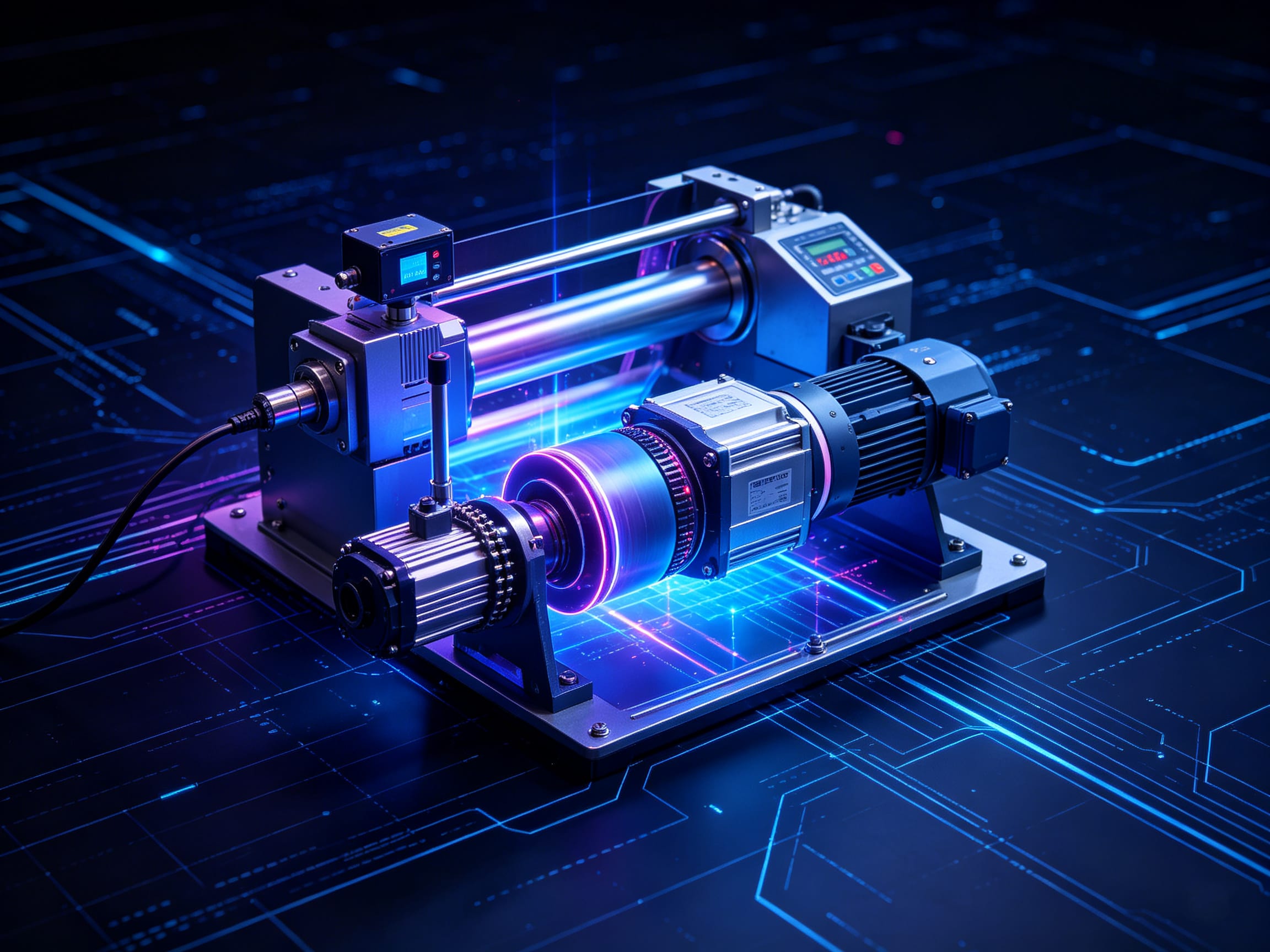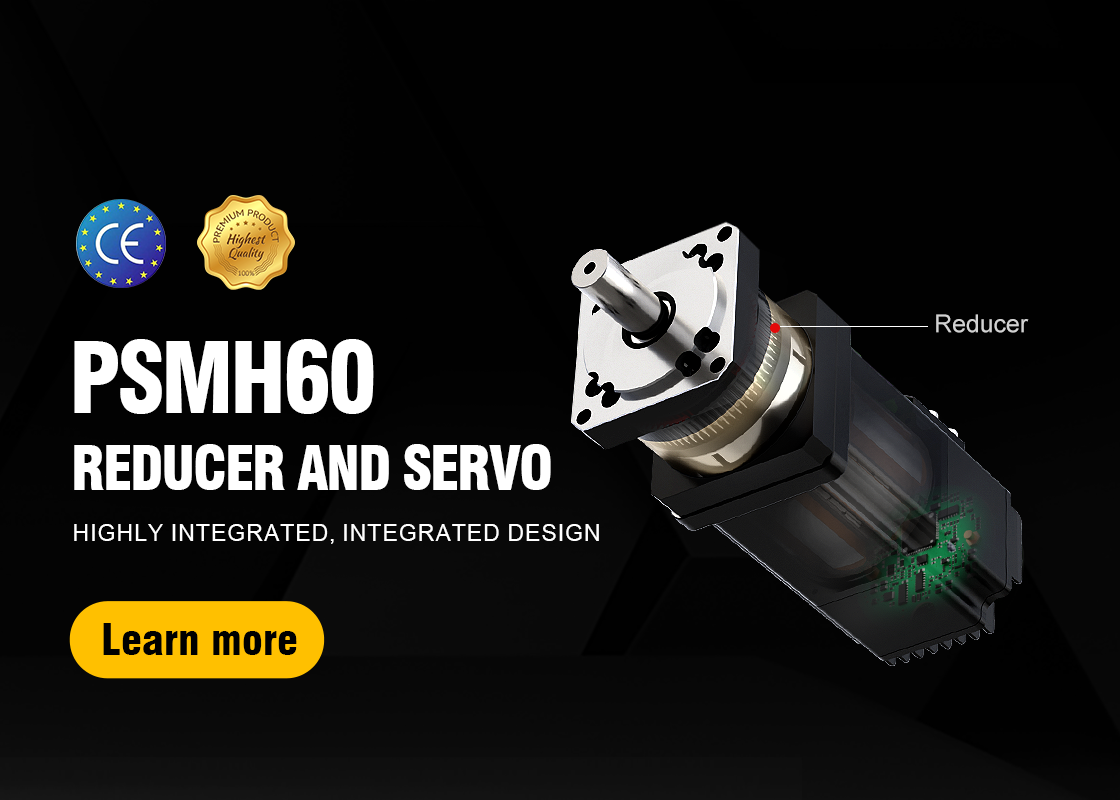
NiMotion integrated motor: A method of controlling the motor to a fixed speed using a single switch.
In integrated motor products, a switch can be used to control the motor to a fixed speed, applicable to scenarios such as labeling machines.
The configuration method is as follows:
1. Enter Hardware Configuration -> IO Configuration interface;
2. Set DI1 to "1-Enable";

3. Enter Motion Configuration -> Mode Configuration interface;
4. Switch the mode to: "Manufacturer Mode -> 2-Nimotion Speed Mode";

5. Change "Main Speed Command A Source" to "0-Digital Input", and change "Speed Command Selection" to "0-Main Speed Input";

6. Modify the three values shown in the image below as needed. They represent speed, acceleration, and deceleration, in rpm;

7. Click "Save All User Parameters" in the lower left corner. After successful saving, power on the motor. Triggering DI1 will allow the motor to be controlled at a fixed speed with a single button.