Nimotion integrated motor: a method of controlling motor position using analog signals.
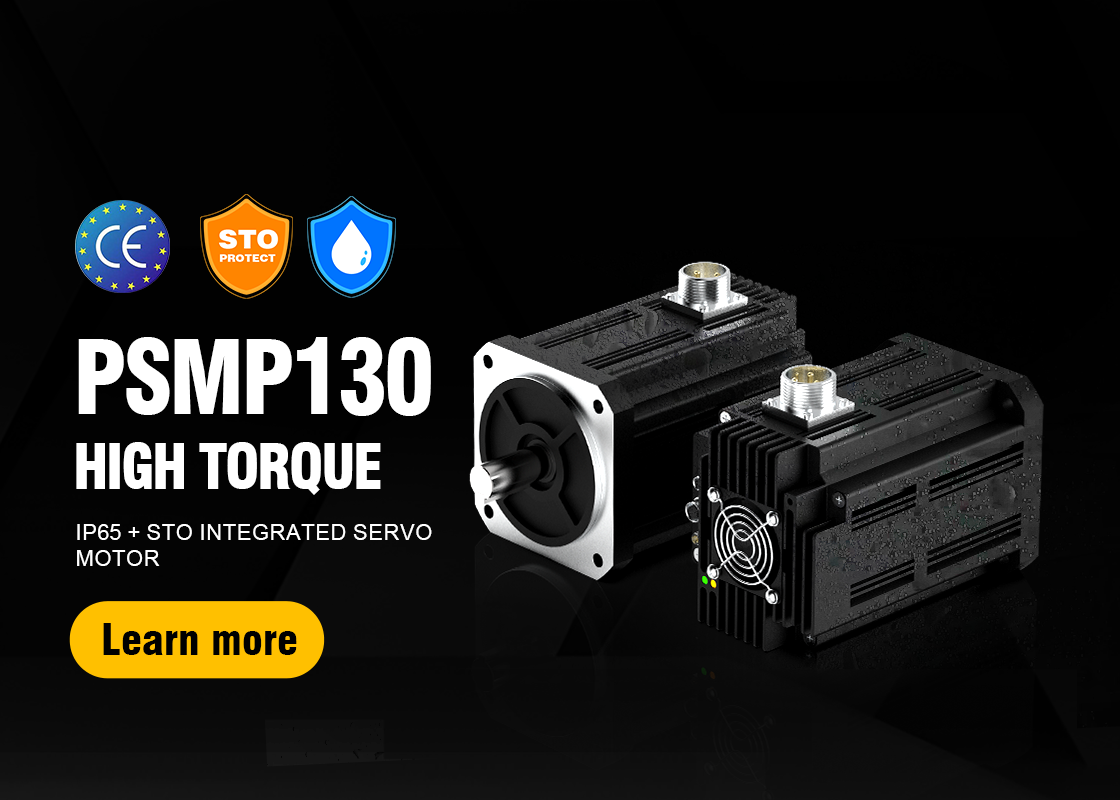
In integrated motor products, motors such as STM42M and above, PMM series, and PSM series can receive and detect 0-10V analog signals and use them to control motor operation. Below, we explain how to use 0~10V analog signals to control motor position:
1. Switch to Nimotion position mode:
(1) Enter Motion Configuration -> Mode Configuration interface;
(2) Set "Manufacturer Mode";
(3) Set "2-Nimotion Speed Mode";
(4) Click "Set to this mode";
(5) Set the main speed command A source to "3-Analog Control Mode 1", and set the speed command selection to "0-Main Speed Setpoint".

2. Setting the functions of the IO terminals:
(1) Enter Hardware Configuration -> IO Configuration interface;
(2) Change DI1 to "1-Enable", and DI2 to "16-Analog Input Position/Speed/Torque Control Direction";

3. Setting the range of position control:
(1) Enter Parameter Management -> User Parameter Management interface;
(2) Select the three parameters and check Automatic Refresh;
(3) Search for "Analog" in the search bar, and change "Analog 10V corresponding speed value" to the required parameter;

(4) Supplement: Search for "AI1 voltage sampling value" in the same interface to view the input analog value.
4. Usage method:
(1) The analog parameters and enable functions have been set up. Connect the corresponding functions according to the wiring diagram of different motor models;
(2) Turn on DI1-Enable, and the motor will run at the speed corresponding to the current analog value;
(3) Turn on DI2-Switch Direction.