Ubuntu virtual machine (Linux) EtherCAT communication motor method
Under EtherCAT communication, sometimes we may encounter network connection failure in the virtual machine. How to solve it?
Solution to abnormal EtherCAT communication in Ubuntu virtual machine:
1. Check whether the motor communication line is connected to the host network port
2. Change the connection mode to bridge mode in the "Settings" option of the virtual machine
3. Replace the network card connected in bridge mode with the wired network card of the host (do not use a wireless network card)
4. Add configuration in the wired settings in Ubuntu
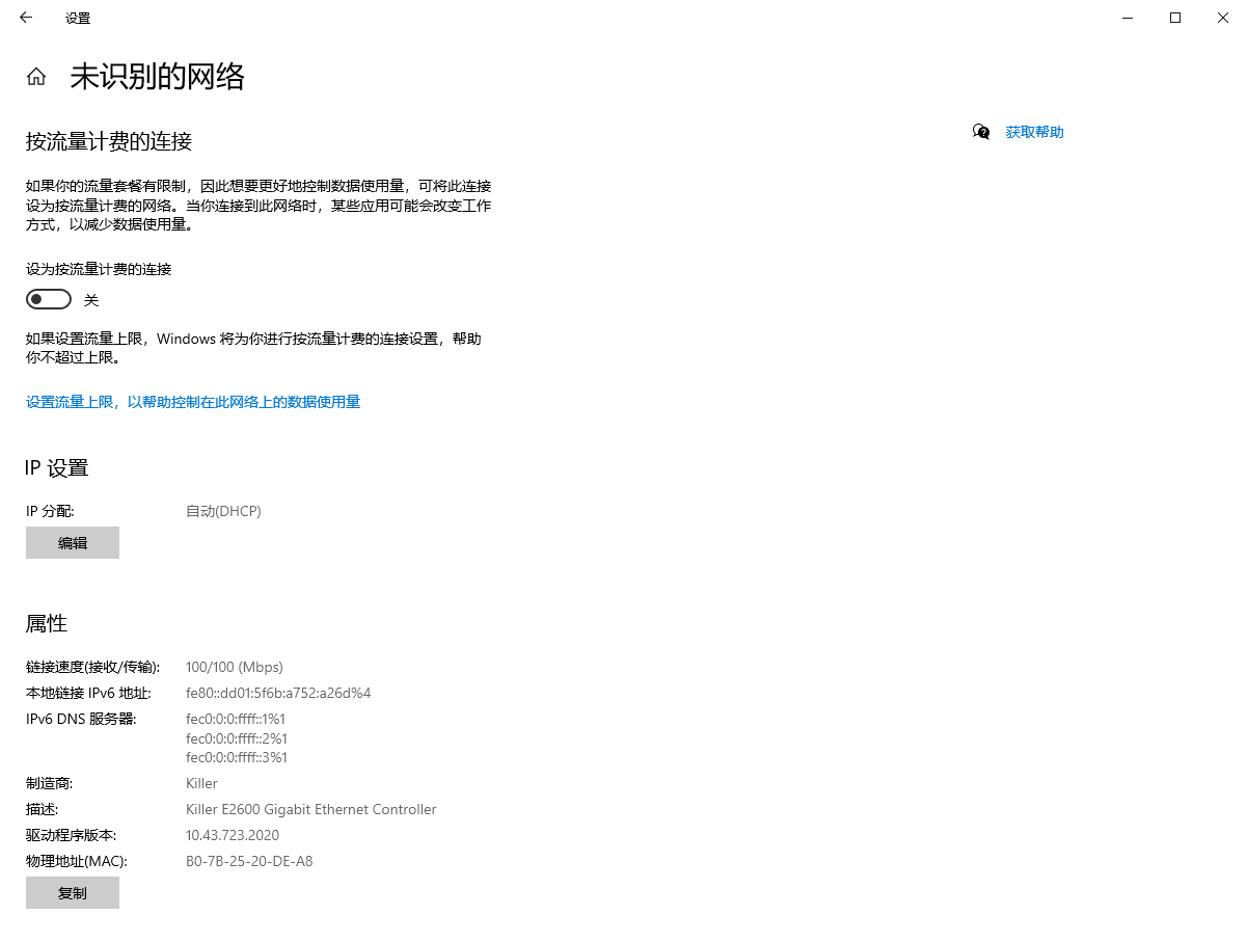
5. In the MAC address column in the identity, fill in the MAC address of the motor (as shown below), and set the rest to automatic
Next you can control the motor.
The above is all the content shared today. If the above methods still cannot solve the problem, please contact us in time.