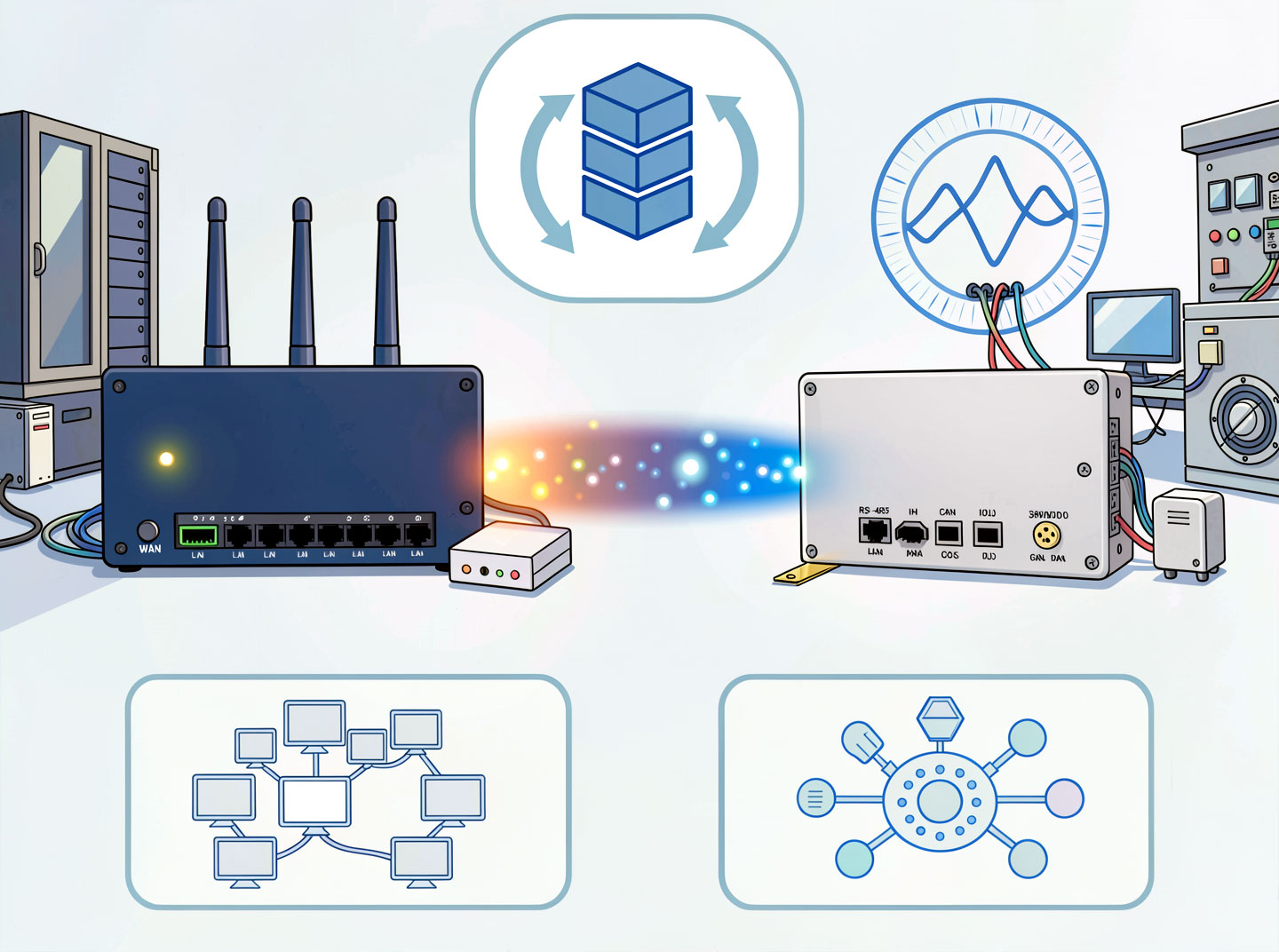
Router vs. Gateway: What is the Difference?
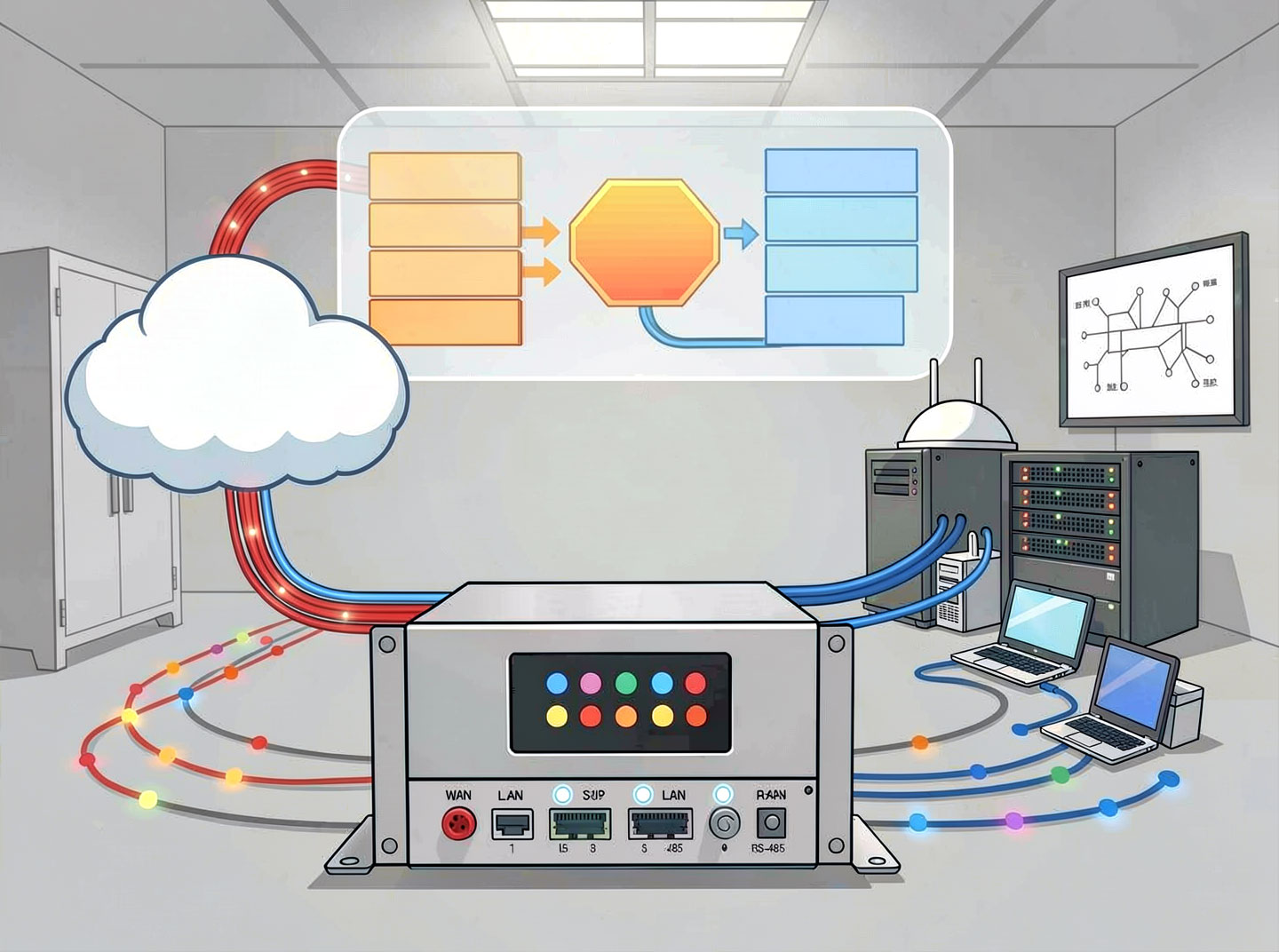
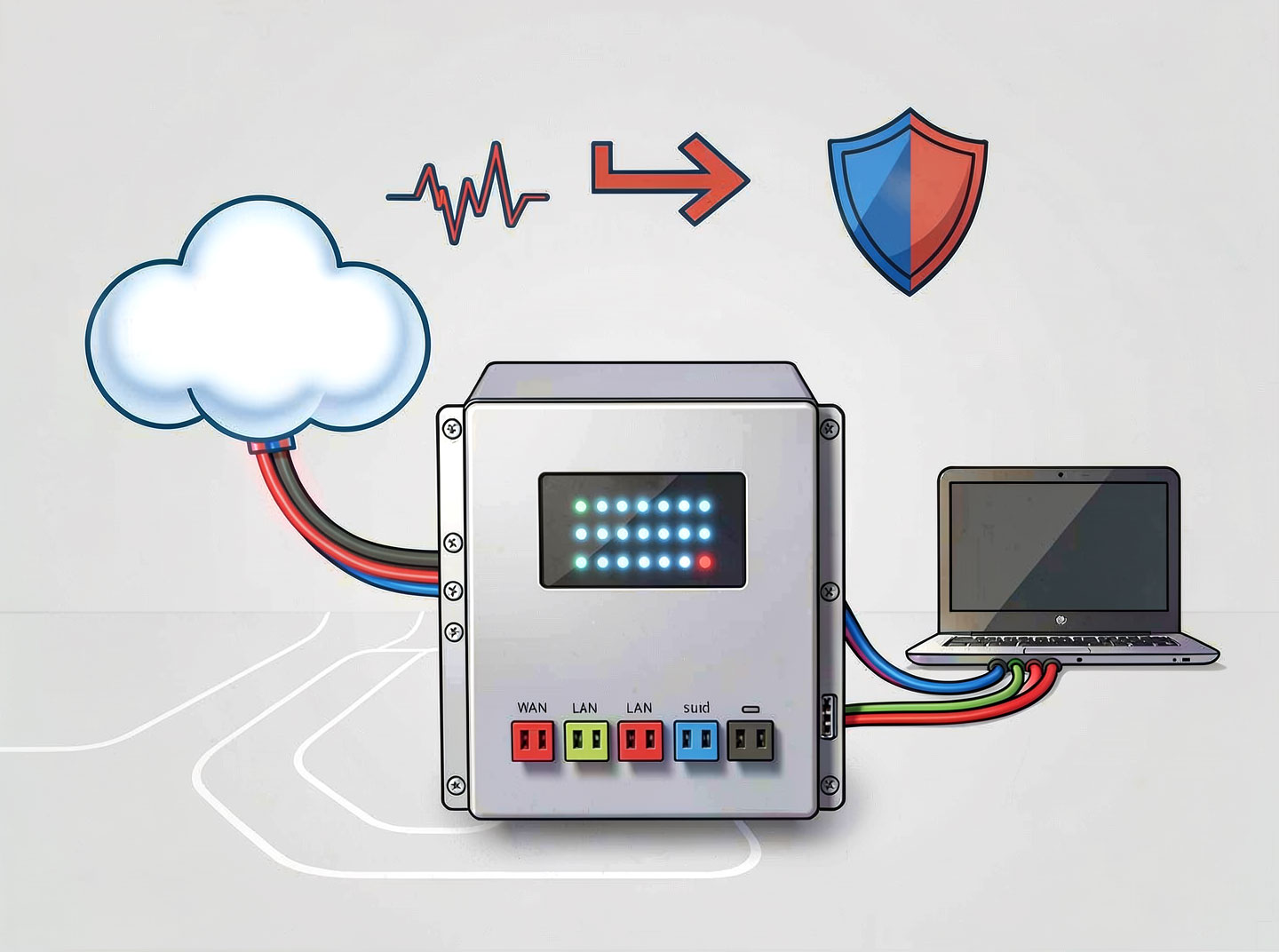
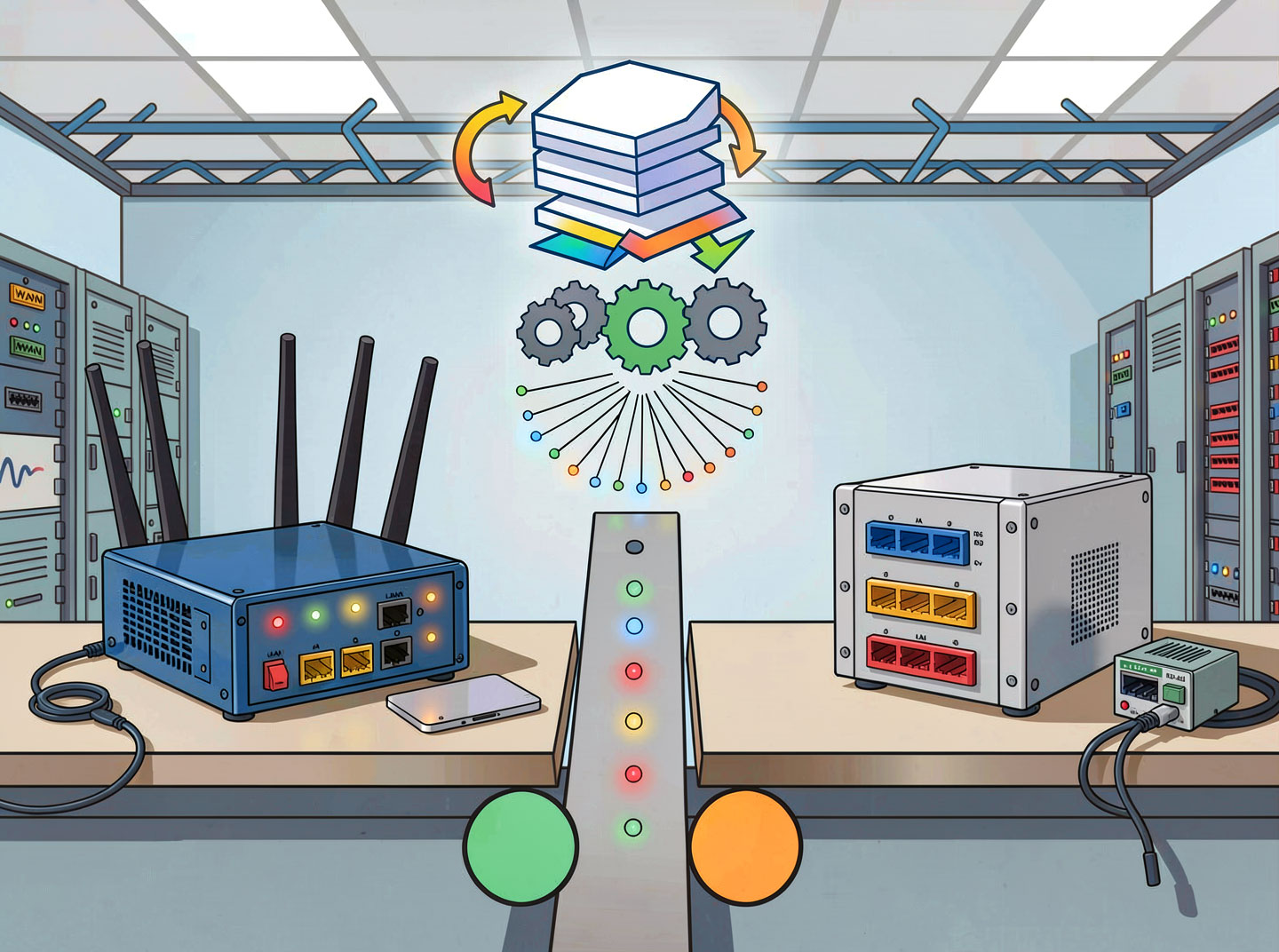
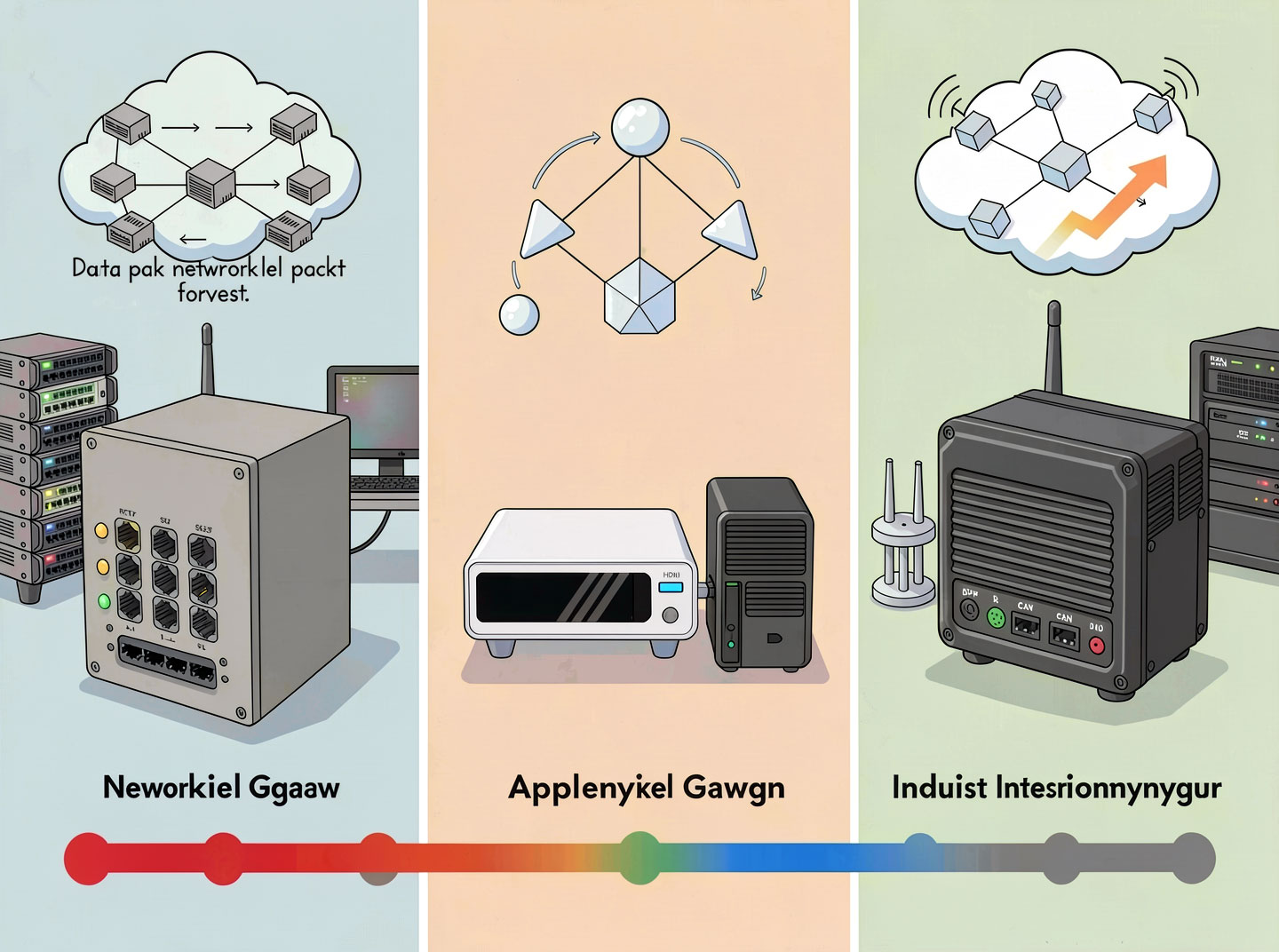
In the world of networking, two terms often cause confusion: router and gateway. Many people use them interchangeably, but they are not the same. While both connect networks, they do so in different ways and at different levels.
Understanding the difference between a router and a gateway is essential for designing efficient, secure, and interoperable networks – whether at home, in a small office, or inside a large enterprise.
This article explains everything you need to know: definitions, key differences, comparison tables, real-world examples, and how to choose the right device for your network.
1. What is a Router?

A router is a network device that forwards data packets between networks that use the same protocol (usually IP). Its primary job is routing – determining the best path for a packet to travel from source to destination based on IP addresses and routing tables.
Key characteristics of a router:
Operates at Layer 3 (Network Layer) of the OSI model.
Connects networks that use identical protocols (e.g., IPv4 to IPv4, IPv6 to IPv6).
Uses routing protocols (OSPF, BGP, RIP) to build routing tables.
Performs packet forwarding, NAT (Network Address Translation), and often includes basic firewall functions.
Common examples:
Home Wi‑Fi router (connects your LAN to the ISP).
Core router on the internet backbone.
Edge router in a corporate network.
Analogy: A router is like a postal worker who sorts mail and sends it to the correct street – but only if the addresses are in the same language.
2. What is a Gateway?

A gateway is a network node that connects two or more networks that use different protocols or data formats. It performs translation at various OSI layers (from Layer 3 up to Layer 7) to enable communication between otherwise incompatible systems.
Key characteristics of a gateway:
Can operate at Layer 3, Layer 4, Layer 7, or multiple layers.
Translates protocols, addressing schemes, or data formats.
Often acts as an entry/exit point to another network (default gateway).
May include security functions (firewall, VPN termination).
Common examples:
A router configured as a default gateway for a home network.
An IPv6-to-IPv4 translation gateway (NAT64).
An API gateway that translates HTTP requests to gRPC.
An IoT gateway that converts Zigbee to MQTT.
Analogy: A gateway is like an interpreter at a United Nations meeting – it translates between different languages so delegates can understand each other.
3. The Key Differences Between a Router and a Gateway (List)
Here is a list of the primary distinctions between a router and a gateway:
Difference AreaRouterGatewayPrimary functionForwards packets between similar networks.Translates between different protocols/formats.Protocol supportSame protocol on both sides (e.g., IP to IP).Different protocols (e.g., IPv4 to IPv6, HTTP to CoAP).OSI layerTypically Layer 3 (Network).Can be Layer 3, 4, 7, or multi-layer.AddressingUses IP addresses and routing tables.May use IP addresses, but also application-level identifiers.ComplexityModerate – routing algorithms.Higher – protocol conversion, data reformatting.Example deviceHome router, core router.NAT64 gateway, API gateway, email gateway.Default gateway roleOften functions as the default gateway.Always the default gateway for hosts outside subnet.
The simple rule:
All gateways are not necessarily routers.
But a router configured to connect two different protocol families is a gateway (e.g., a router doing IPv4-to-IPv6 translation).
4. Detailed Comparison Table
FeatureRouterGatewayOSI LayerLayer 3 (Network)Layer 3, 4, 7, or multipleProtocol translationNo – same protocolYes – between different protocolsRouting tableYes (dynamic or static)Optional (may rely on routing)NAT supportCommonSometimes (e.g., NAT64)Deep packet inspectionBasic (ACL)Advanced (application-aware)SpeedVery fast (hardware forwarding)Can be slower (due to translation)SecurityFirewall, ACL, VPN (basic)Often includes proxy, content filtering, authenticationUse caseConnecting subnets, internet accessConnecting dissimilar networks, cloud, IoTCostLow to moderateModerate to high (software/hardware)
5. When to Use a Router vs. a Gateway
Choosing between a router and a gateway depends on your network requirements.

Use a Router when:
You need to connect multiple subnets that use the same protocol (e.g., VLANs in an office).
You want to provide internet access via a single public IP (NAT).
You need high‑speed packet forwarding (e.g., 10 Gbps backbone).
You are building a home or small business network.
Use a Gateway when:
You need to connect two networks that run different protocols (e.g., IPv4 and IPv6, or SMB and NFS).
You are integrating IoT devices that speak low‑power protocols (Zigbee, LoRa) with a cloud platform.
You need an API gateway to manage microservices.
You require application‑level security (email filtering, web proxy).
Combined use:
In many real‑world scenarios, a single device acts as both a router and a gateway. For example, a home router routes traffic between your LAN and the ISP (router function) and also performs NAT (which is a form of translation – gateway function). That is why the two terms are often confused.
6. Can a Device Be Both a Router and a Gateway?
Yes. In fact, most consumer “routers” are actually routing gateways – they combine:
Routing (forwarding IP packets between your LAN and WAN).
Gateway functions (NAT translates private IPs to public IP; DHCP server assigns IPs; firewall inspects traffic).
In enterprise environments, you may separate them:
A pure router (e.g., Cisco ISR) connects internal VLANs and the WAN.
A separate gateway (e.g., an application delivery controller or API gateway) handles protocol translation and application‑level policies.
Key takeaway: Being a router is a subset of being a gateway – but only when protocol translation is involved. A pure router without translation is not considered a gateway.
7. Real-World Examples
ScenarioDevice UsedRouter or Gateway?Why?Home internetWi‑Fi routerBothRoutes LAN to ISP; NAT translates private ↔ public IPs.Office VLANsLayer 3 switchRouterConnects different IP subnets (same protocol).IPv4 to IPv6 transitionNAT64 deviceGatewayTranslates between two different IP versions.Microservices backendKong / AWS API GatewayGateway (Application)Translates HTTP to gRPC, handles auth.Smart factoryIndustrial IoT gatewayGatewayConverts Modbus (serial) to MQTT (IP).Corporate WAN edgeEdge router (no NAT)RouterForwards BGP routes between networks (same protocol).
8. Frequently Asked Questions (FAQ)
Q1: Is my home router a gateway or a router?
It is both. It routes IP packets between your LAN and the internet, and it also performs network address translation (NAT) – which is a gateway function because it translates between private and public addressing schemes.
Q2: Can a gateway work without a router?
Yes. A dedicated protocol translation gateway (e.g., an IoT gateway) may not perform any routing; it simply converts data from one format to another and forwards it.
Q3: Which is more secure – a router or a gateway?
A gateway (especially an application gateway) can offer deeper security because it inspects the actual content (Layer 7). A router typically only inspects IP headers (Layer 3). However, many routers now include basic firewall capabilities.
Q4: Do I need both a router and a gateway in my home?
No. Your all‑in‑one router (often called a “residential gateway”) includes both functions.
Q5: What is a default gateway? Is it always a router?
A default gateway is the IP address that a device sends traffic to when the destination is outside its local subnet. That IP is almost always the address of a router. So, in that context, the router acts as the default gateway.
9. Conclusion

The difference between a router and a gateway comes down to protocol translation.
A router connects networks using the same protocol. It forwards packets based on IP addresses.
A gateway connects networks using different protocols. It translates data, addresses, or formats so that the two sides can communicate.
In everyday home networks, a single device does both jobs. But in large or specialized networks, understanding the distinction helps you select the right tool – a high‑speed router for internal routing, or a protocol‑aware gateway for connecting diverse systems.
Quick summary list:
✅ Router = same protocol, fast forwarding, Layer 3.
✅ Gateway = different protocols, translation, can be Layer 3–7.
✅ Many devices combine both roles.
Now you can confidently answer: “A router routes; a gateway translates. And sometimes one box does both.”